Problem
Edge detection is one of the first steps in many vision systems, but calling cv2.Canny()
hides all of it. The goal was to build every stage myself, to understand what each one does and
how its settings change the result.
Approach
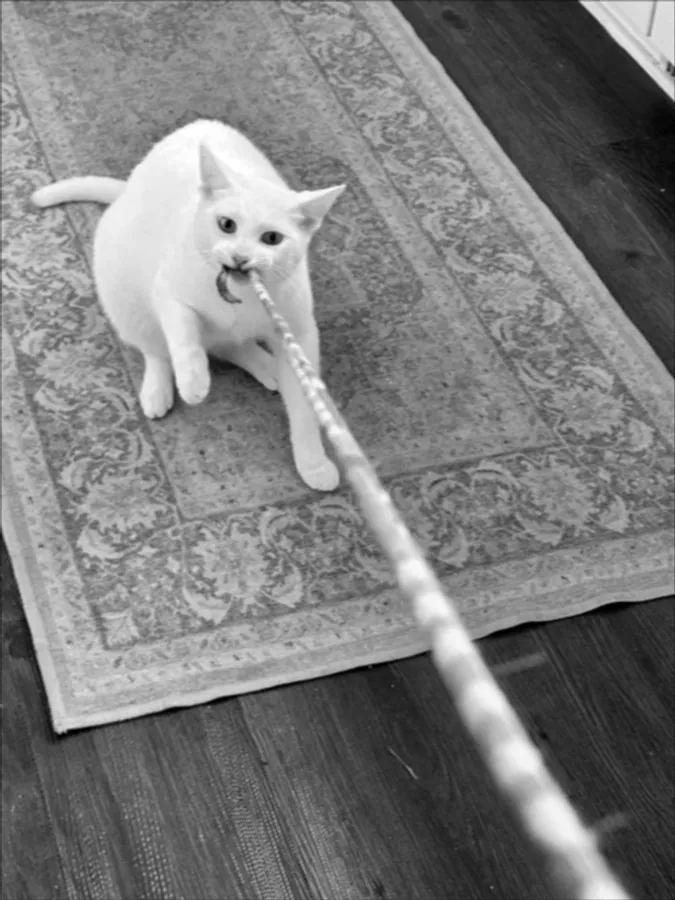
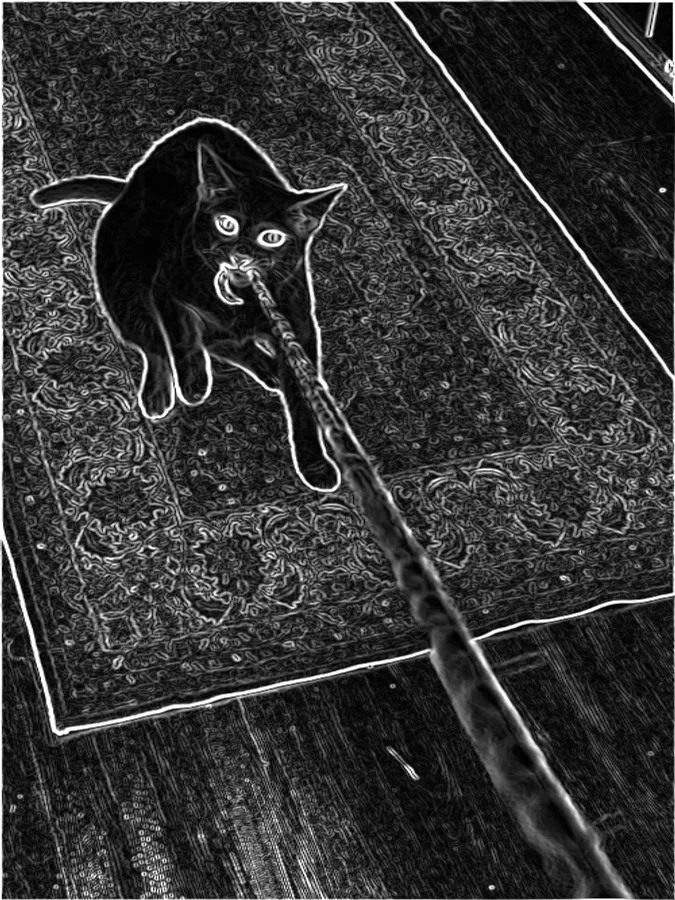
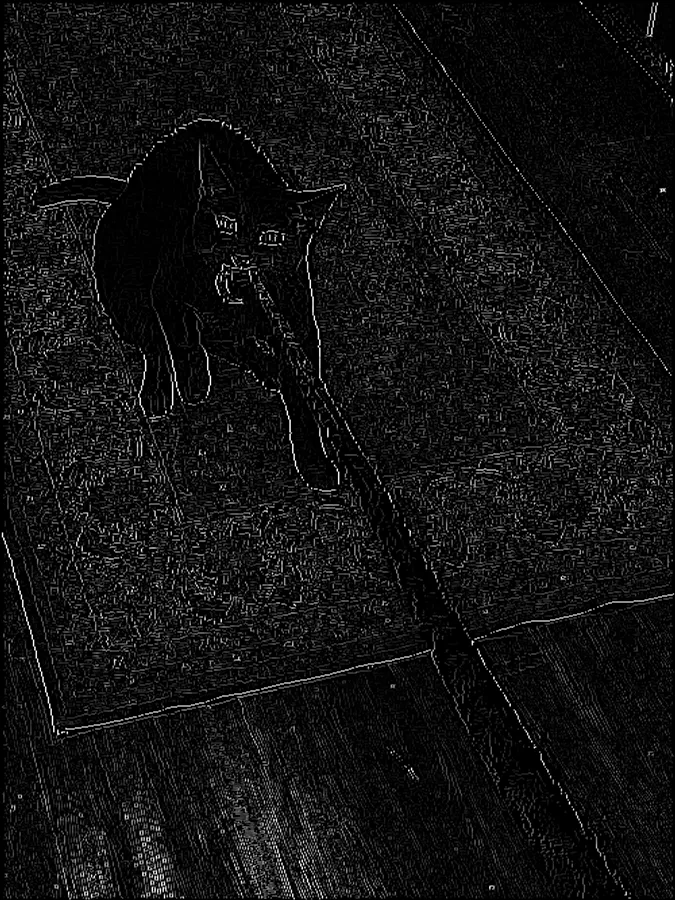
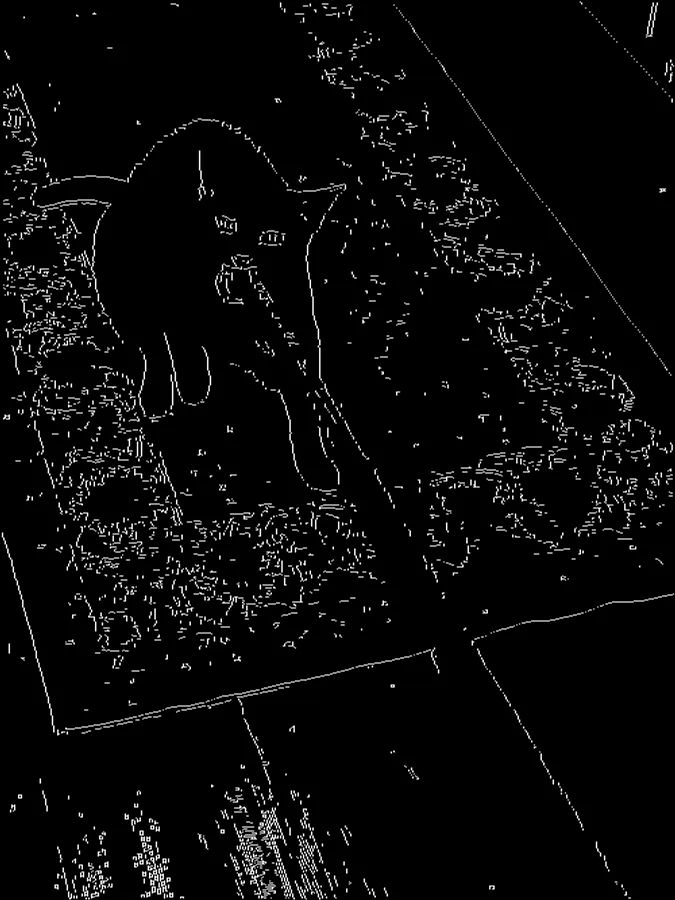
The pipeline runs in four stages (the in-between results are in the images below):
- Gaussian blur with a kernel generated from the 2D Gaussian formula, so blur strength (σ) and kernel size can be tuned.
- Sobel gradients in X and Y, combined into gradient magnitude and direction.
- Non-maximum suppression keeps each pixel only if it’s the strongest along its gradient direction, which thins edges to one pixel wide.
- A double threshold sorts pixels into strong, weak, and suppressed, and hysteresis keeps weak pixels only if they touch a strong one.
How it came together
Each image needed its own settings. A noisy photo needed a stronger blur (σ = 1.5), while a bridge photo with harsh shadows needed a larger 5×5 kernel and higher thresholds so shadow boundaries weren’t mistaken for edges. Tuning by hand made it clear how much the early blur step controls everything downstream.
Key decisions
- NumPy for the math, OpenCV only to load images. Every processing step is my own code.
- Save every stage as an image. Seeing each step’s output made tuning and debugging far easier.
What went wrong
- Speed: pixel-by-pixel Python loops are slow, so large images had to be resized first.
- Broken edge chains: hysteresis only checks a weak pixel’s immediate neighbors once, so a weak edge connected to a strong one only through other weak pixels can be dropped.
- Jagged curves: gradient direction is rounded to 0°, 45°, 90°, or 135°.
What I’d do differently
Vectorize the loops with NumPy, trace edges with a flood fill, interpolate between neighbors for smoother curves, and pick thresholds automatically (e.g. Otsu’s method) instead of by hand.